Your trip.
From planning to memories.
Plan on the web, record on the road with your iPhone – TripPhoto connects plan, route, photos and light into one trip you keep.

Plan in the browser · Record on iPhone · No ads
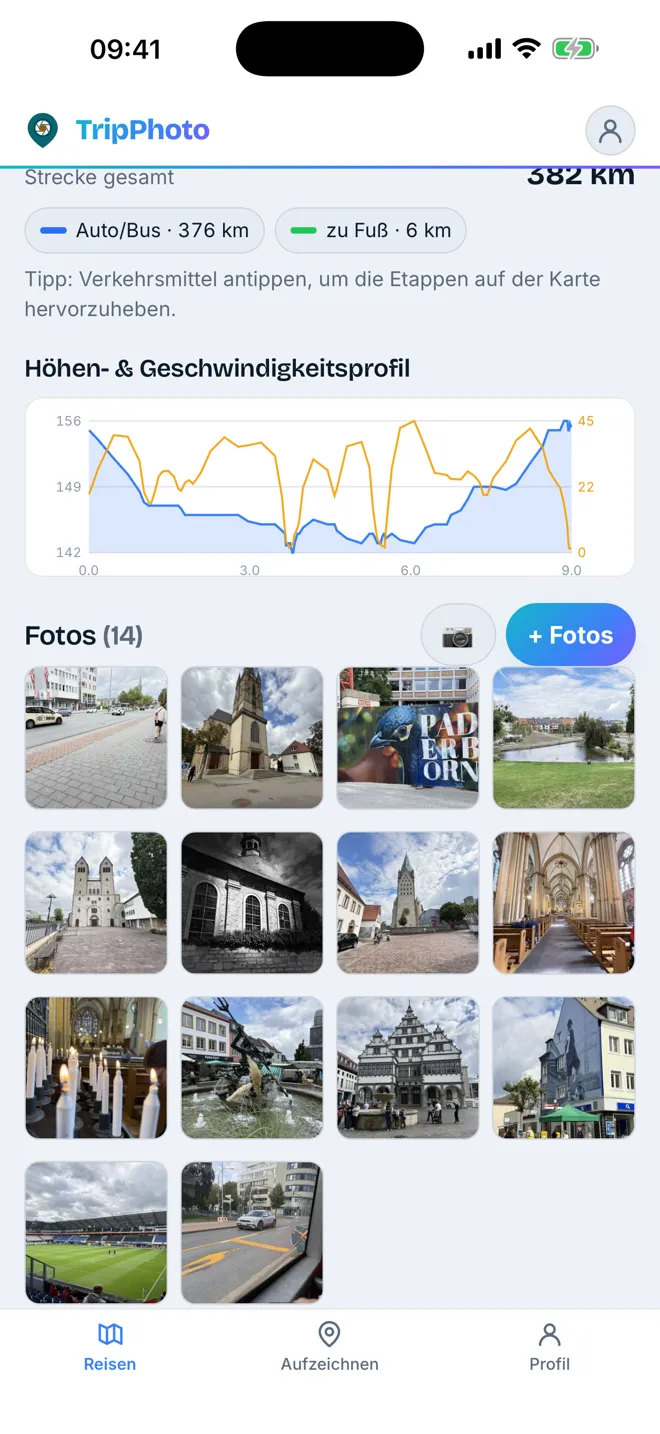
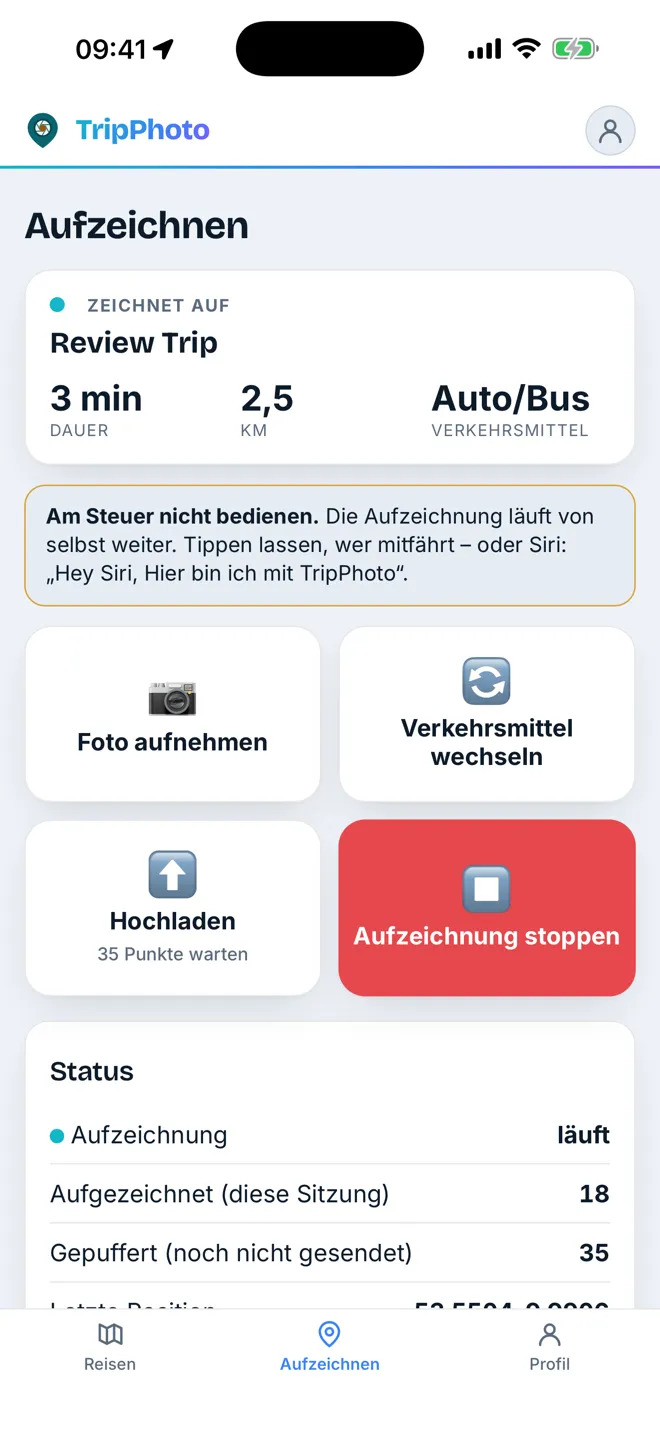
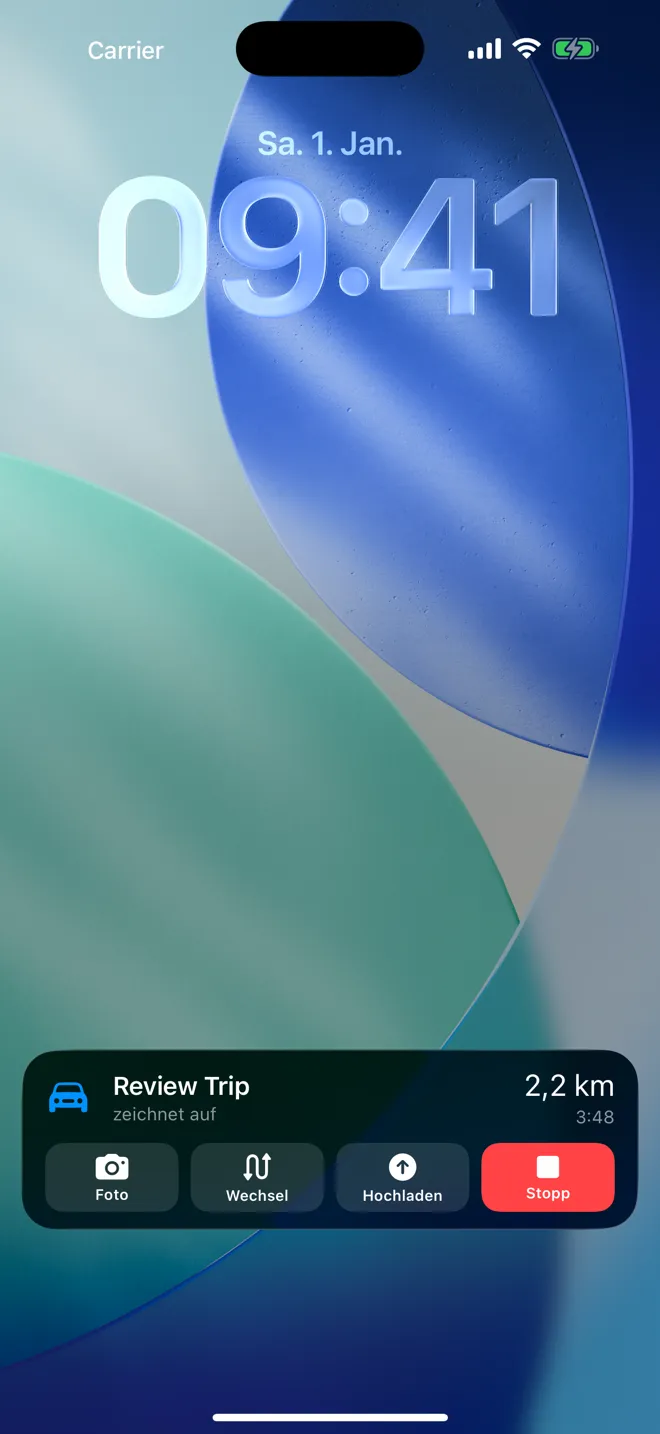
One trip, three phases
Prepare, travel, remember – and it all fits together.
-
1
Plan
Name start, destination and days – the planner places sights along the route. Day plan and map side by side, with drive time, sunset and golden hour at every stop.
-
2
Record
Tap start once. The app records in the background – via Siri, the Action button or CarPlay – and knows your plan.
-
3
Remember
Route, photos and light become a timeline: moments instead of a pile of pictures, planned next to actual.
-
4
Share & keep
Share a link, play the trip film, print a PDF book or take the GPX with you. Your data belongs to you.
Texas 2024
Planned on the website, recorded with the iPhone, remembered as a timeline – real data instead of stock pictures.
-
On the road 1.040 km · 16 days
-
Remembered 12 photos · 1 sunsets 2 photos in golden hour
Moments instead of a pile of pictures
Photos grouped by place, time and light – automatically, without AI.
-
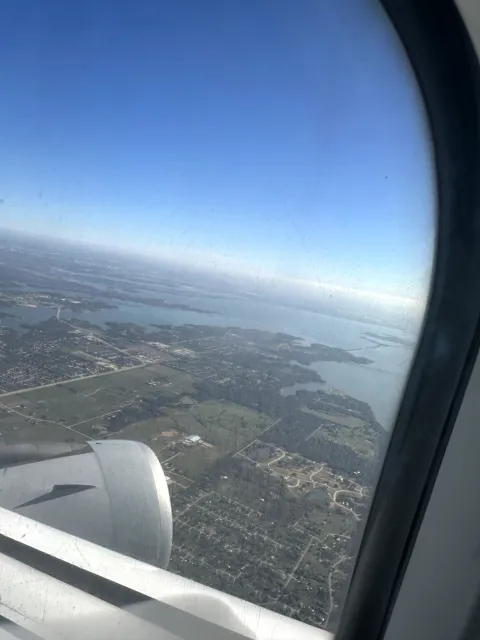 Texas 2024 14:12 · 1 photo
 -
 Galveston 16:55 · 1 photo Golden hour
 -
 Galveston 06:57 · 1 photo Morning golden hour
 -
 San Antonio 17:53 · 1 photo Blue hour
Plan your next trip – no sign-up needed
Enter start, destination, days and pace: the planner calculates the route first and then places stops along it from thousands of sights. You get three routes to choose from, the day plan on the left, the map on the right – with drive times, sunrise, sunset and golden hour. You only need an account to save.
- Thousands of sights with a picture and a short description
- “What if”: one day more, one day less, less driving – right in the suggestions
- Photo forecast for every photo stop: when the light is at its best
Knows how you’re getting around
Car, train or on foot: every leg gets its mode of transport – detected automatically and corrected with a tap on the map. Car journeys follow real roads, train journeys the rails.
Car/Bus
Roads, breaks and daily legs, mile by mile.
Train
Along the tracks instead of a straight line across the map.
Walking
Trails, elevation and rest stops, even offline.
Bike
Speed and gradient colour-coded along the way.
Ship
Ferries and voyages as an arc across the water – the route on land stays exact.
Flight
Flights as arcs – the rest of the trip stays precise on the ground.
Record on the road.
Tell the story at home.
The app is built for the road, the website for the big screen. Both show the same trip.
App
- Live Activity on the lock screen
- Add the photos of the drive with one tap
- Keeps recording when the app is closed
Website
- Story, trip film and 3D terrain
- Geotag photos without GPS from your track
- Print as a PDF travel book
Trips people shared





Private means private.
New trips are private. You can share by link or publicly – images from private trips stay protected even if someone copied their address. You can hide the location of single photos, and you can take your data with you at any time. No ads, no tracking services, servers in Germany.
Privacy in detail →Your next trip almost tells itself.
Create an account, get the app, hit the road – free on the App Store.